


iPhone Rave Manual Tutorial


Thread Starter
|
Winching
Joined: Dec 2008
Posts: 558
Likes: 1
From: Oklahoma City
 iPhone Rave Manual Tutorial
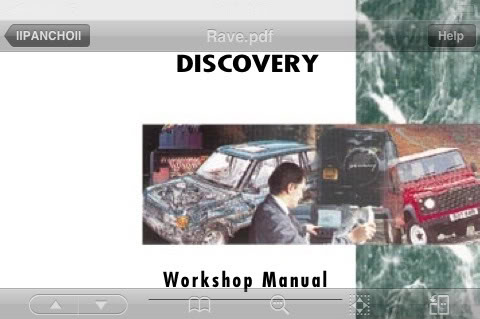
Ok, first you will need to download the Rave Manual as well as Getting a PDF reader for your iPhone, I am using Good Reader, it has alot of positive reviews and after trying other options I am pleased that this one seems great!
If you dont have the Rave Manual on your computer you may be prompted to update your Adobe PDF viewer, go ahead and do this.
After getting the Rave PDF successfully on your computer, DL the Good Reader App. its like $4.99, then "READ ALL THE TEXT AND INSTRUCTIONS"
Paying close attention to the USB Cable Connection section as this is what we will be using.
You will need another program that is free, iPhone Browser is what you will use to transfer the files from you computer to the iPhone. Link provided is for Windows users.. Mac users here is your link.

Once you get to this point, you are going to follow the instructions, but after you create the folder, you will not be able to see it for some reason so you will close the program down and the relaunch it and you should be able to find the folder you created.
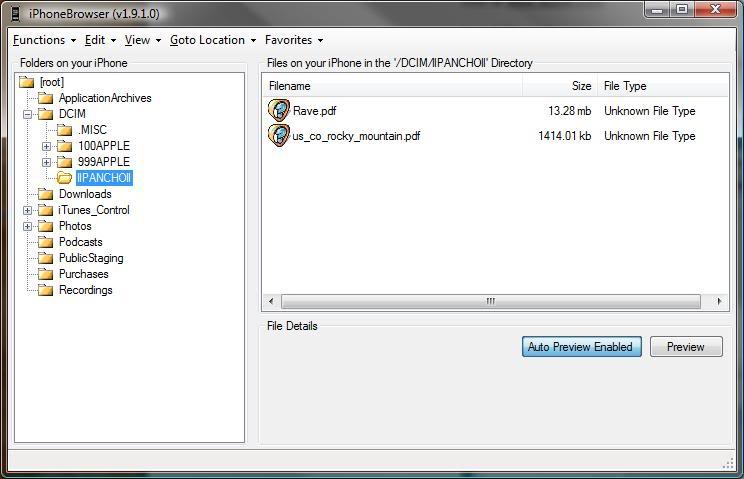
The Rave file as you know is very large and provides information on many diffrent Land Rover Vehicles, you only need the one applicable to your Vechicle. (Im not sure if it would work if you moved the whole thing to your iPhone)
So we will launch the Rave Manual on our computer to find the appropriate file we want to put on our iPhone.
Now when you launch the Rave Manual from the shortcut on your computer, you will see something like this.
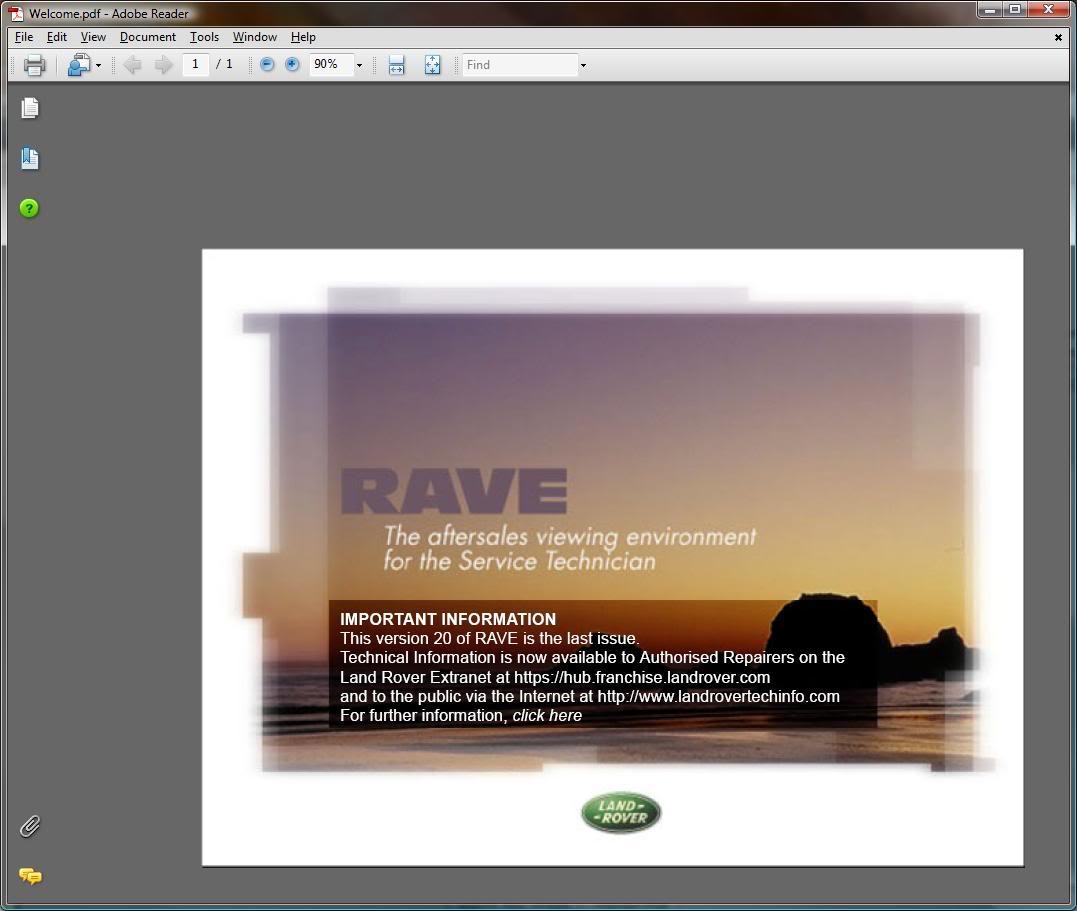
Click on "RAVE"
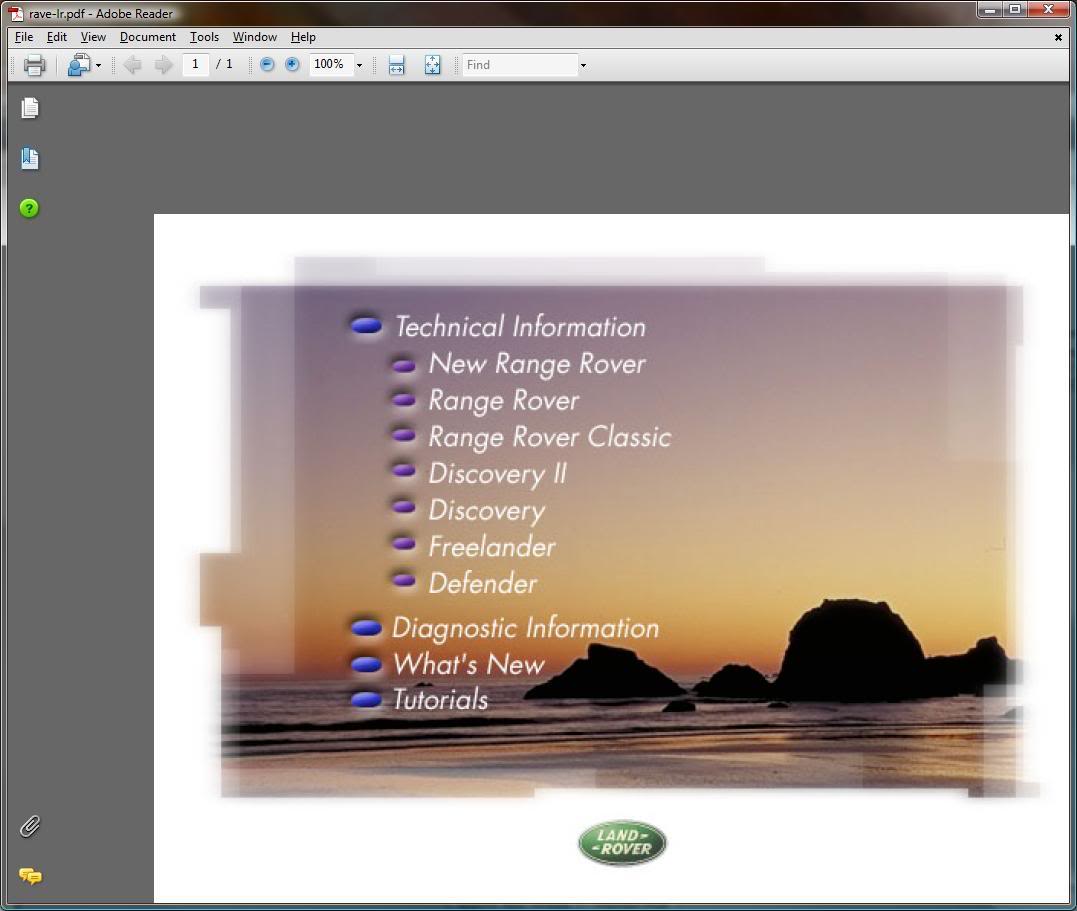
Pick your vehicle, in my case Discovery
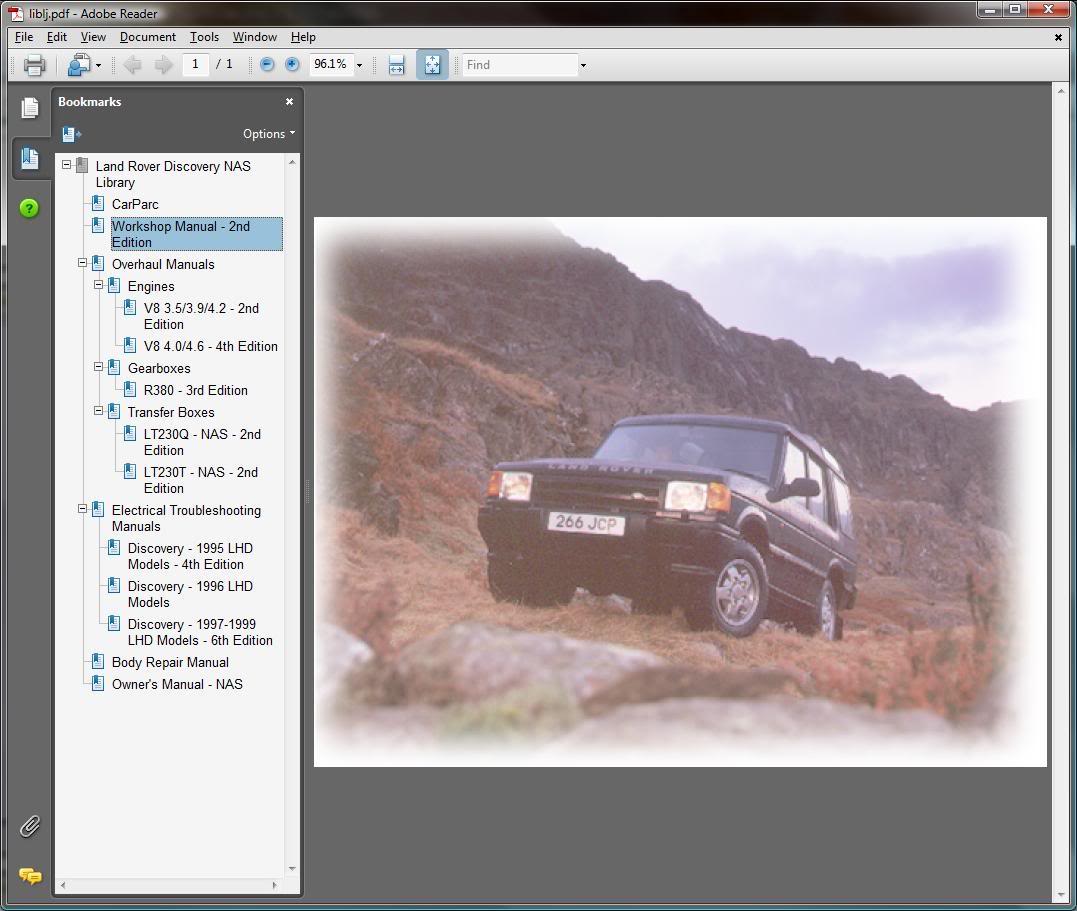
And "Workshop Manual"
This brings us to how we are going to select only this File..
You will go to the toolbar at the top of the screen and go to "File" "Save a Copy" then save this in a file you can find easily. Now the default name for this file is "wmlj970e" but I changed it to RAVE so that I would know what it is.
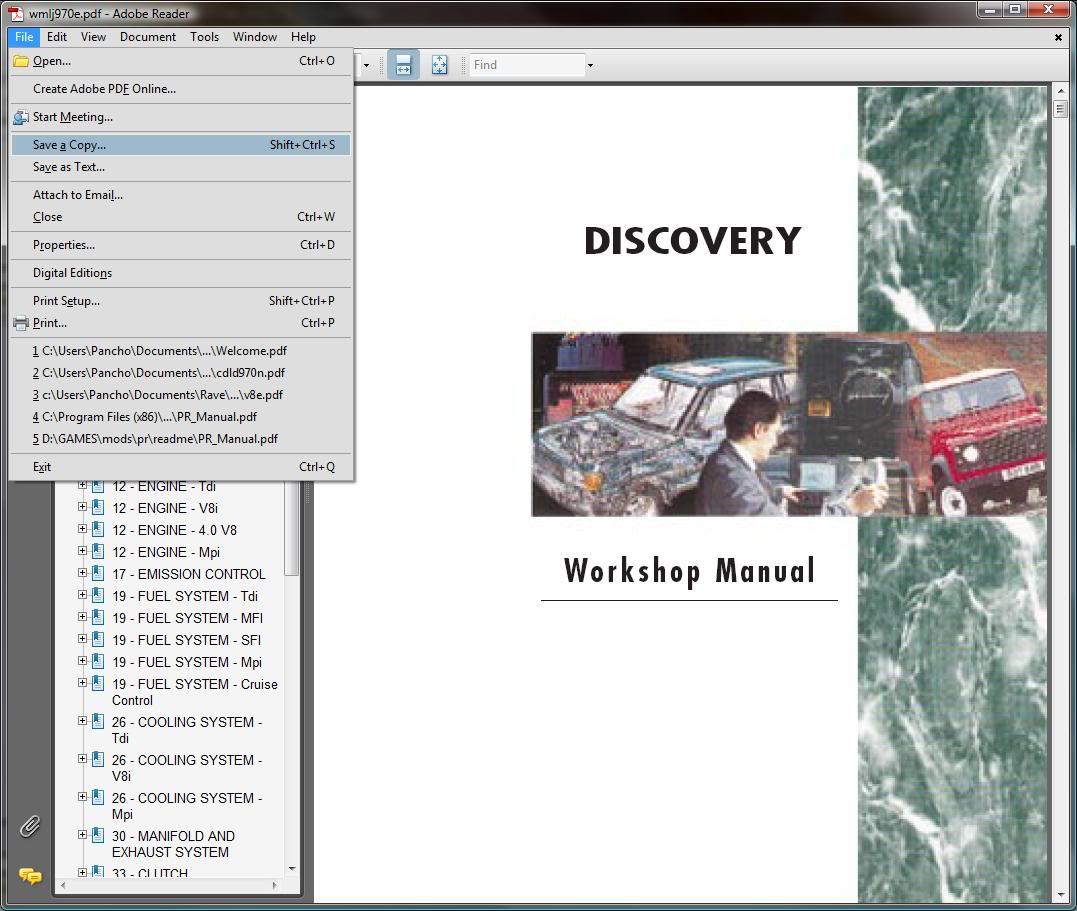
Now you just need to go to that file, left click and hold the button while you drag the file to the white box on the right hand side of your iPhone Browser window.
The file should now be on your iPhone, as it is 873 pages long the best way to navigate it is to press the little book at the bottom of the screen..
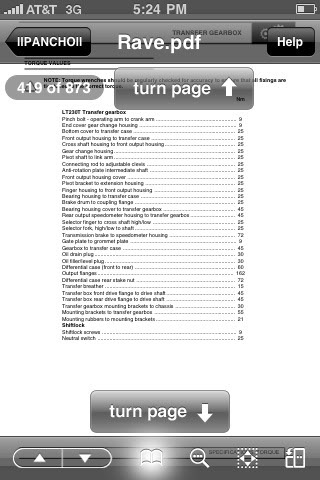
This brings you to the Bookmarks
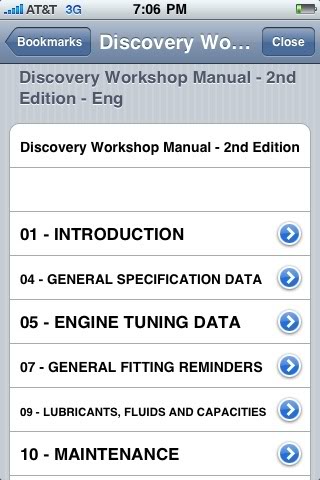
Then you can tap The Discovery Workshop manual link at the bottom of the screen
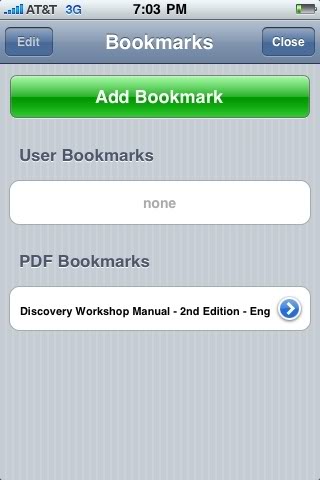
And you can navigate to each section and subsection..
Hope this was clear enough to get it working for you, enjoy!!
Last edited by llPANCHOll; Aug 1, 2009 at 09:28 PM.


Thread Starter
|
Winching
Joined: Dec 2008
Posts: 558
Likes: 1
From: Oklahoma City
Ok Ive gone through an iphone or two since posting this up, and upon reinstallation I had some issues, there is a new USB file transfer program, as my iPhoneBrowser program no longer works here is the link to the new program.
http://www.goodiware.com/gr-man-tr-usb.html
http://www.goodiware.com/gr-man-tr-usb.html

Thread
Thread Starter
Forum
Replies
Last Post
