


New Scanner under $200 reads OBD2 and ABS


Mudding
Joined: Sep 2011
Posts: 141
Likes: 3

Sounds like RSW finally need to make the all-coms compatible with the D2 to remain competitive. They have been promising D2 All-coms for a long time now, and is why I've (personally) held off buying the Amigo.
Sounds like I'll be purchasing something else instead now.
Sounds like I'll be purchasing something else instead now.


Thread Starter
|
Recovery Vehicle
Joined: Jul 2011
Posts: 1,132
Likes: 32
From: Austin, TX
I think the Amigo still has its place. It will give you the actual code #, the Autel does not show the code number but tells you what is the issue. The Amigo is faster for clearing the codes if needed. I have both and will continue to make use of both.
Pro Wrench
Joined: Apr 2013
Posts: 1,604
Likes: 321
From: BC, Canada
Thanks for the links and the instructions. My unit arrived today from Amazon. The update process went without a hitch.
Agreed. Here are some directions I wrote on how to update it:
First you have to update the scanner. You will need a MicroSD card reader.
1. Hook up scanner to any car - turn ignition on.
2. Go to 'Setup' button on scanner.
3. Go to 'About' button on scanner.
4. Write down your Serial Number & Password.
5. Register your product HERE and download the scanner update program HERE. You will need to choose 'MaxiCheck Airbag/ABS' option when registering, then enter your serial number and password you found on the scanner.
6. Install scanner update program. Enter your Autel.us username and password you created when registering the product (not the same as the serial number and scanner password)
7. Remove the black MicroSD card from the right hand of the scanner and plug into your computer via a MicroSD card reader. Most phones use a MicroSD card and they will usually come with a MicroSD adapter that goes into your card reader on your computer.
8. Update your scanner. I choose to update all the different manufacturers - 36 updates in all. You WILL need to stay connected to the internet for this.
9. When finished, it will tell you that all selected manufacturers have been installed. Remove MicroSD card from computer and adapter and reinstall in scanner.
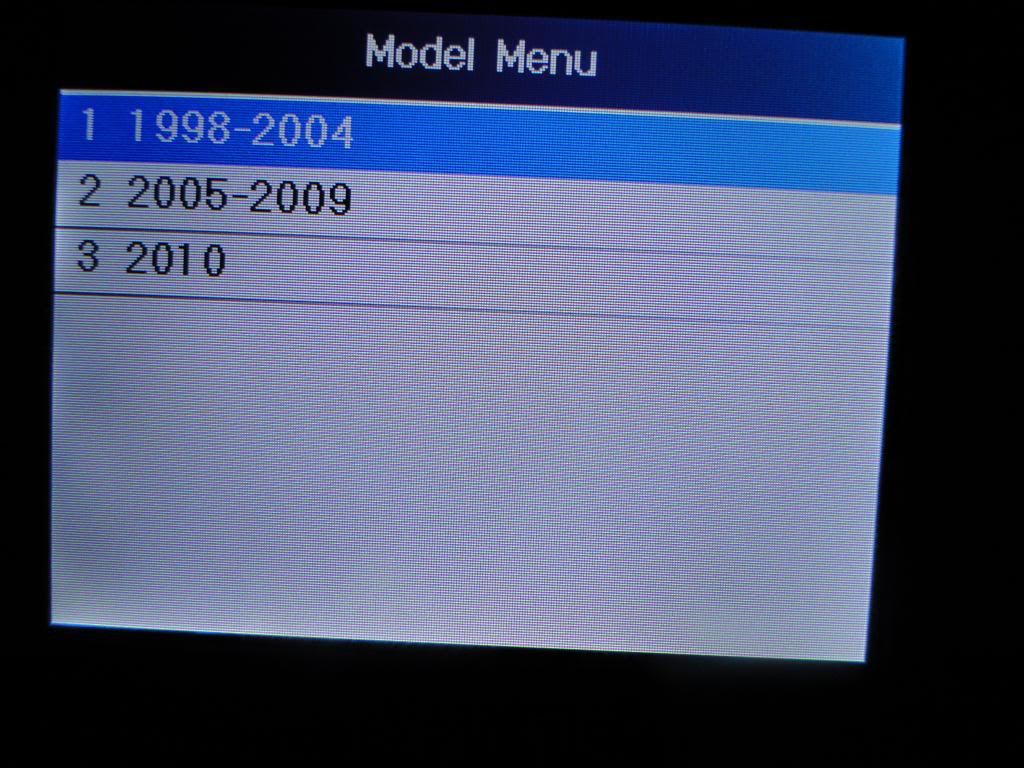
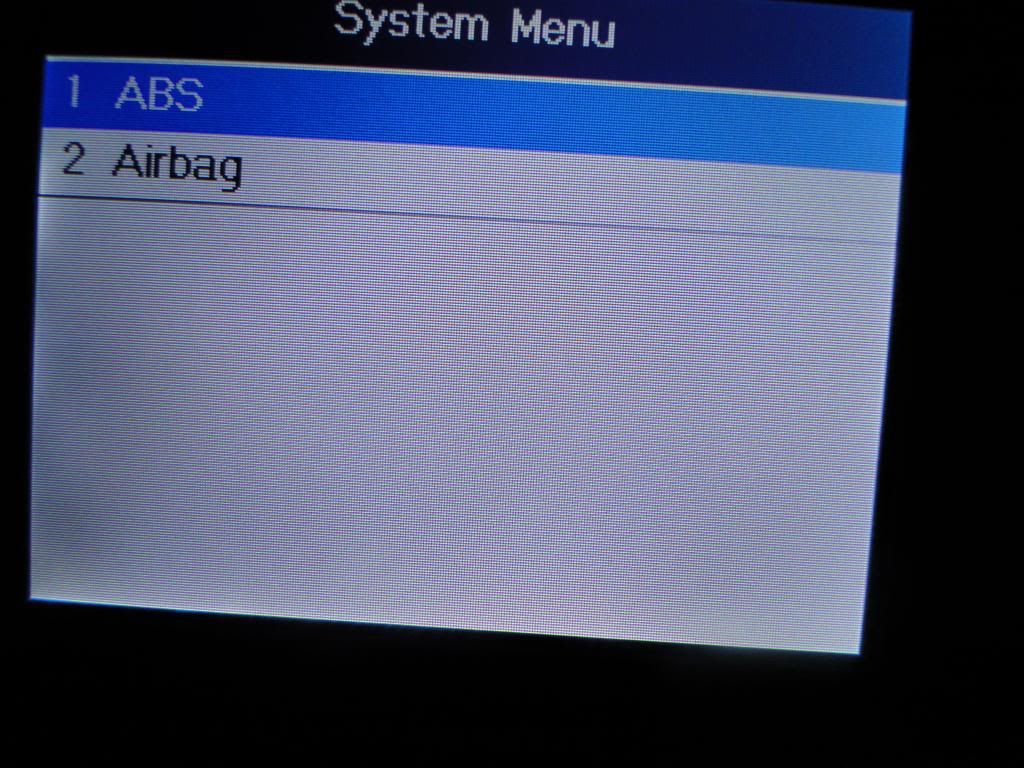
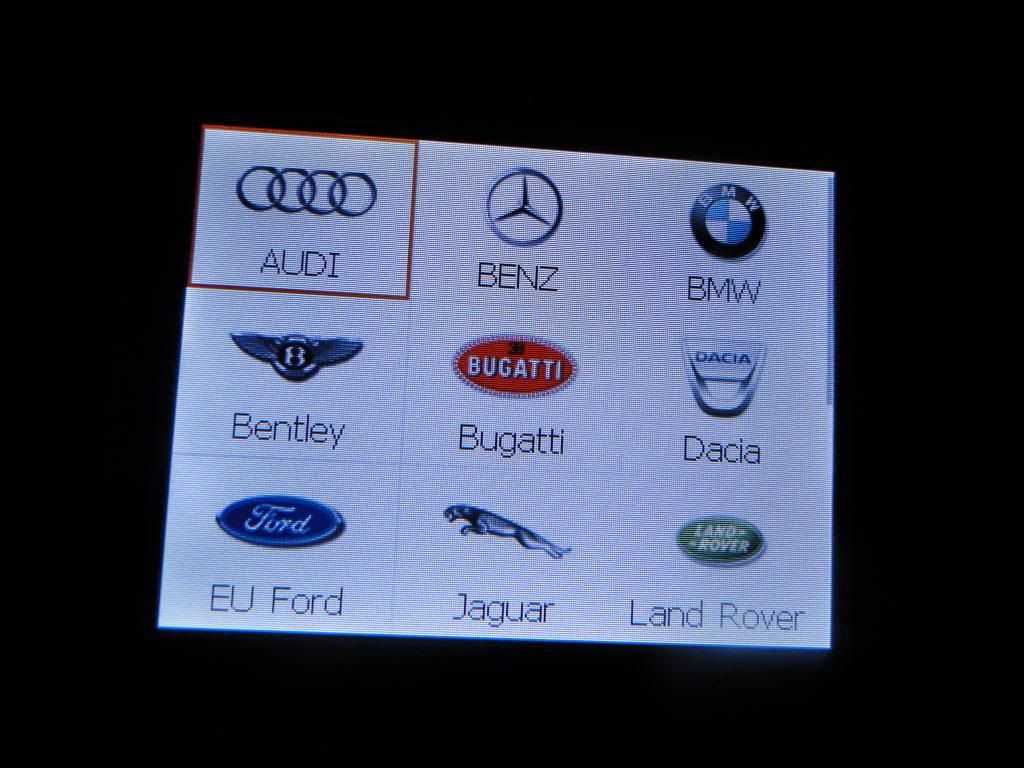
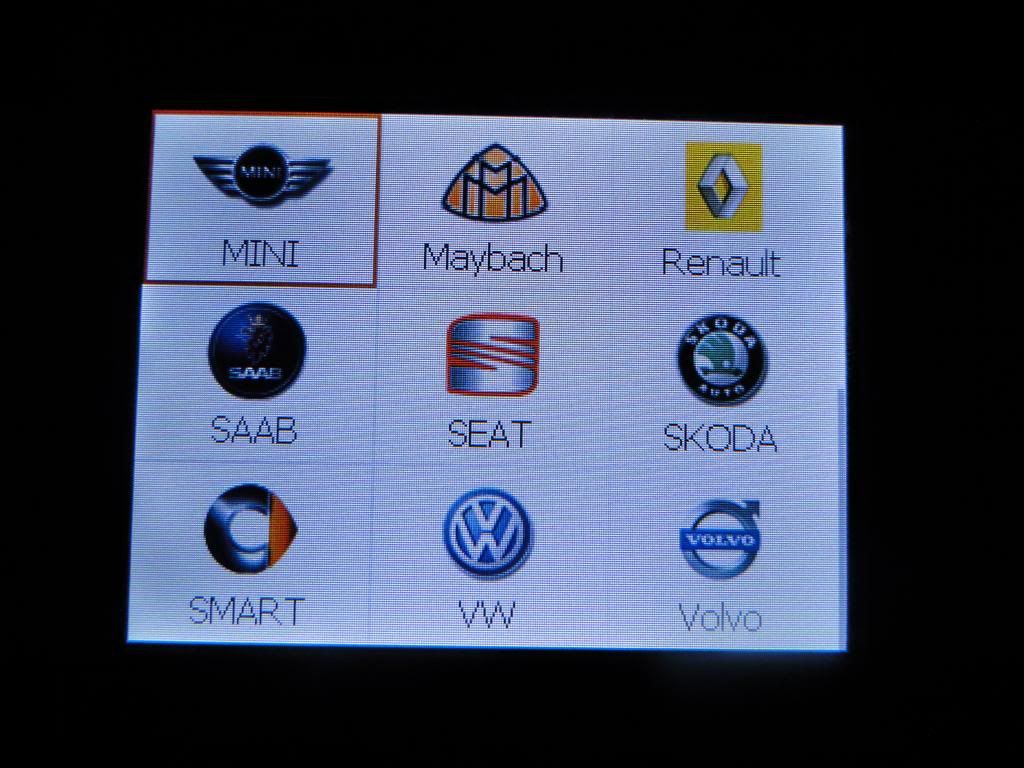
10. Plug back into your OBDII port on your Discovery and it will turn on. Go to ABS/SRS --> European --> Land Rover --> Discovery --> 1998-2004 --> ABS --> Read Codes. Then it will show you your codes and you can also choose to clear them too.
And some pictures:
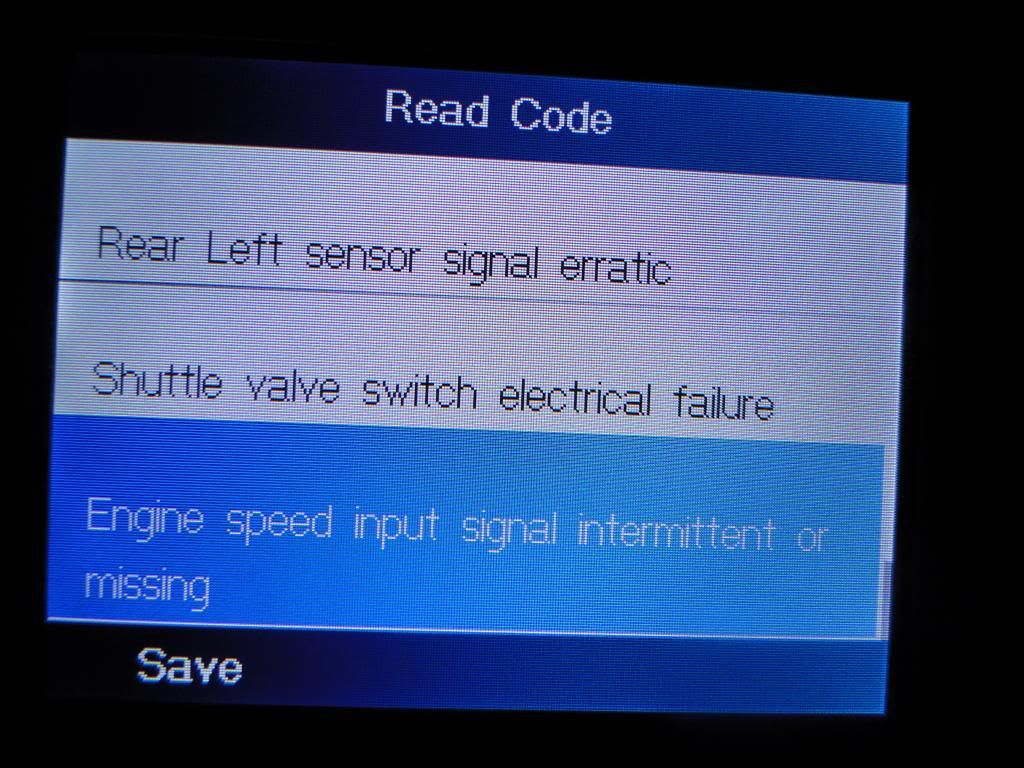
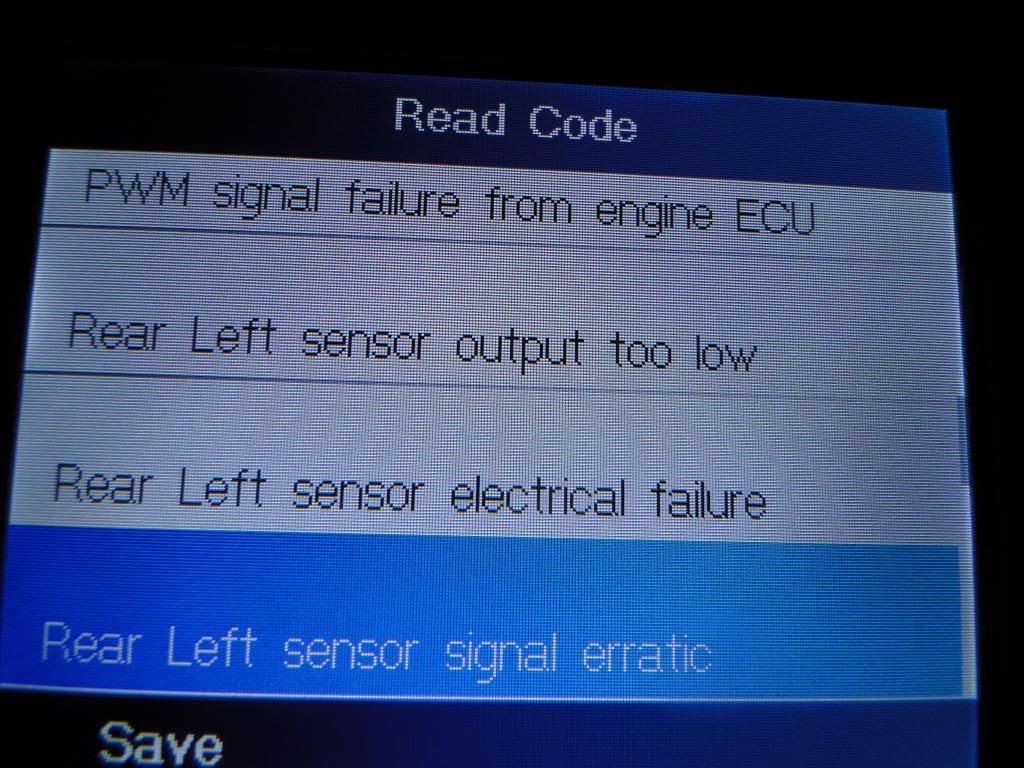
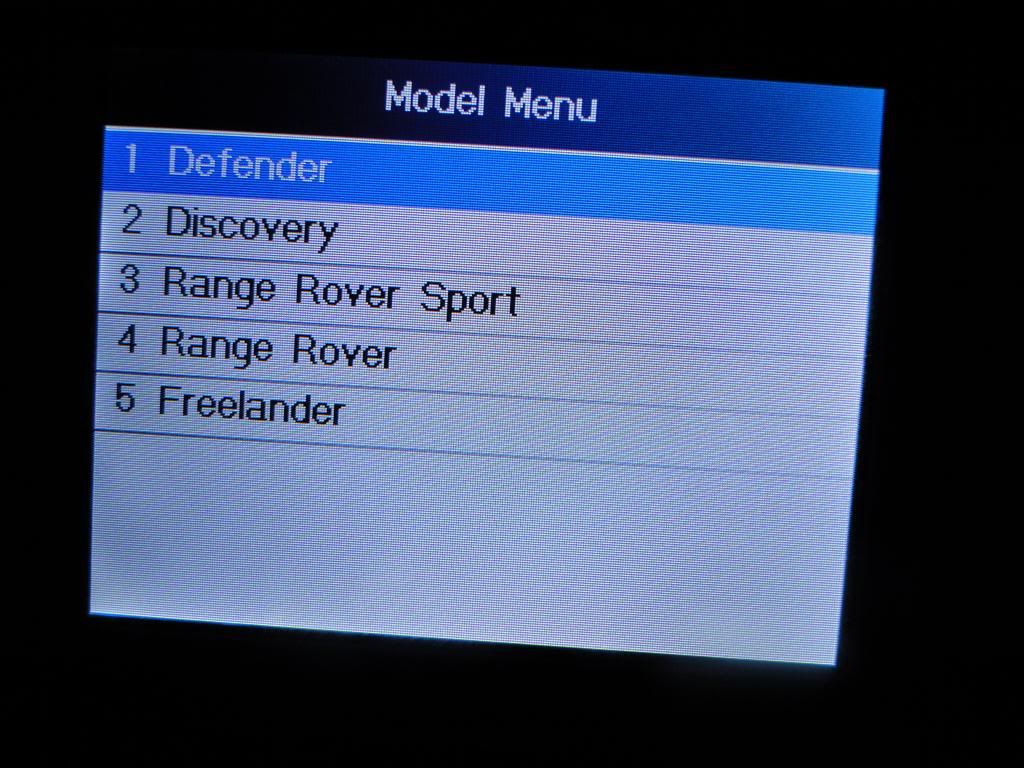
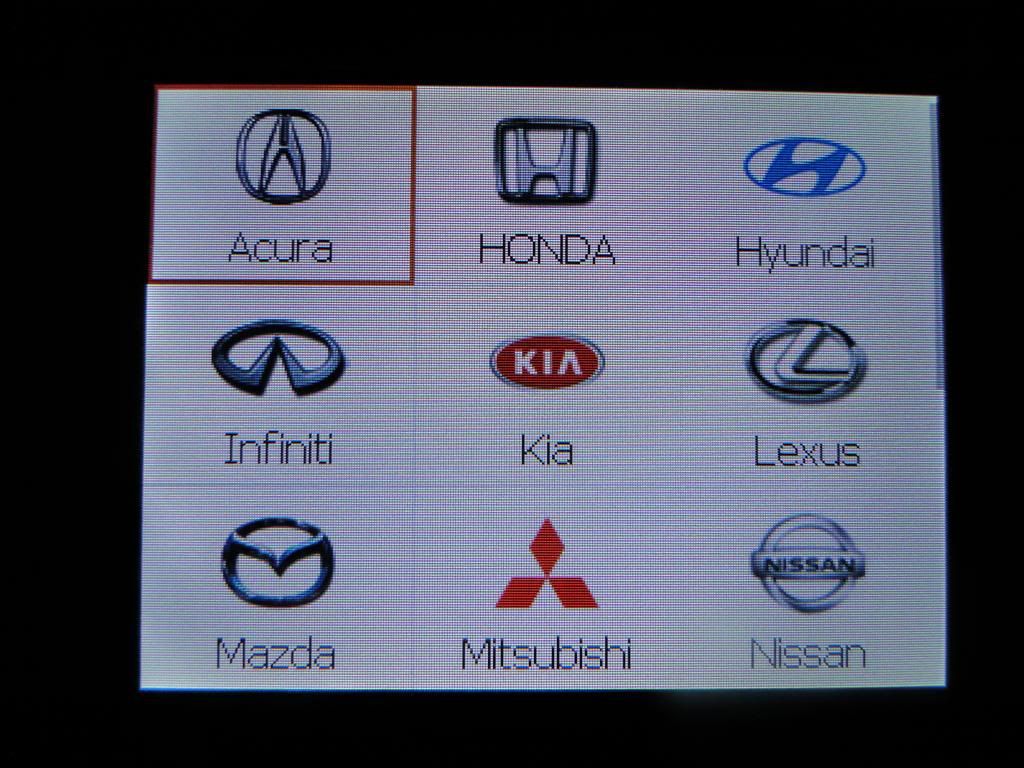
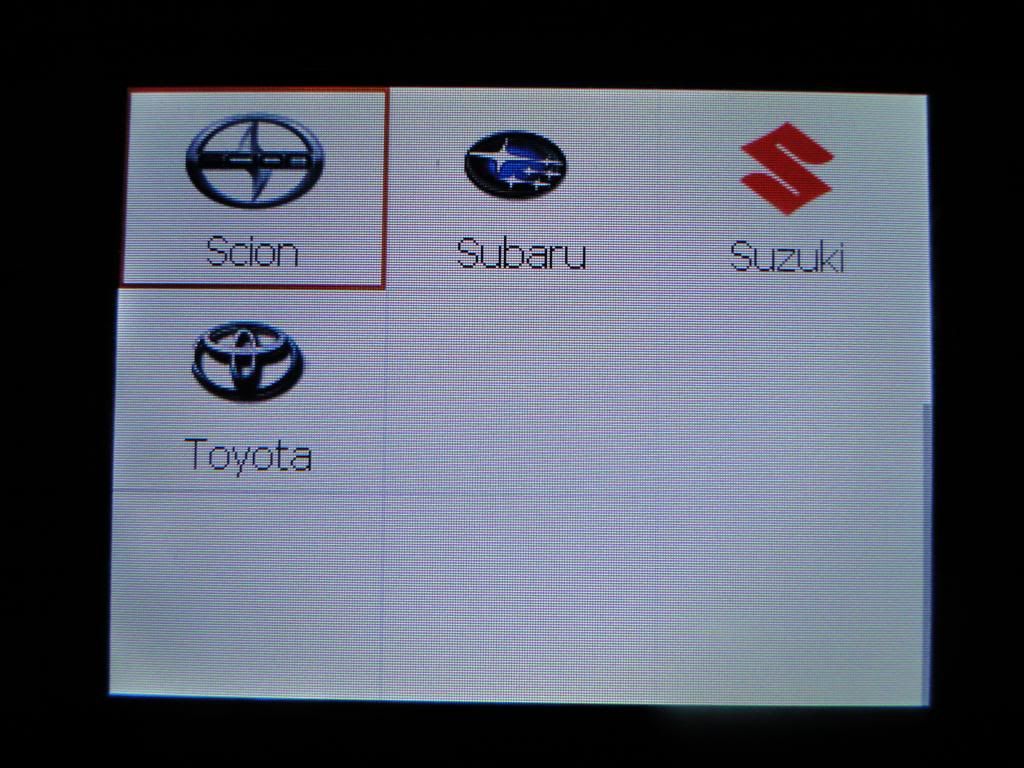
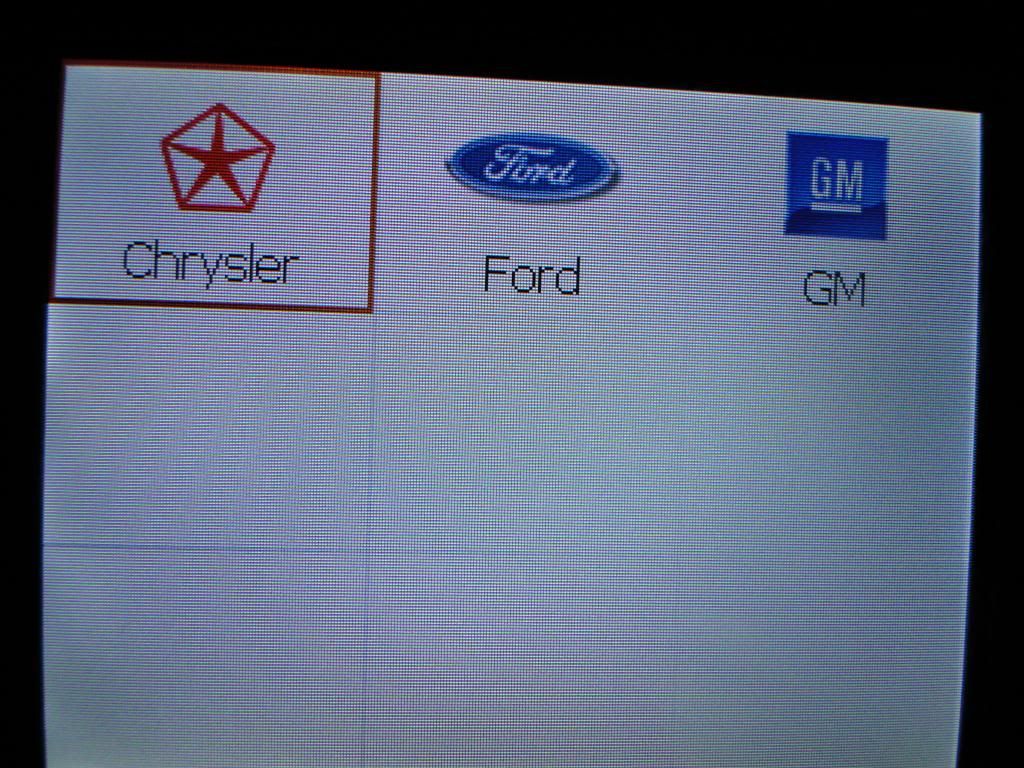
First you have to update the scanner. You will need a MicroSD card reader.
1. Hook up scanner to any car - turn ignition on.
2. Go to 'Setup' button on scanner.
3. Go to 'About' button on scanner.
4. Write down your Serial Number & Password.
5. Register your product HERE and download the scanner update program HERE. You will need to choose 'MaxiCheck Airbag/ABS' option when registering, then enter your serial number and password you found on the scanner.
6. Install scanner update program. Enter your Autel.us username and password you created when registering the product (not the same as the serial number and scanner password)
7. Remove the black MicroSD card from the right hand of the scanner and plug into your computer via a MicroSD card reader. Most phones use a MicroSD card and they will usually come with a MicroSD adapter that goes into your card reader on your computer.
8. Update your scanner. I choose to update all the different manufacturers - 36 updates in all. You WILL need to stay connected to the internet for this.
9. When finished, it will tell you that all selected manufacturers have been installed. Remove MicroSD card from computer and adapter and reinstall in scanner.
10. Plug back into your OBDII port on your Discovery and it will turn on. Go to ABS/SRS --> European --> Land Rover --> Discovery --> 1998-2004 --> ABS --> Read Codes. Then it will show you your codes and you can also choose to clear them too.
And some pictures:
Pro Wrench
Joined: Apr 2013
Posts: 1,604
Likes: 321
From: BC, Canada
I have a SRS light (airbag/seat restraint system) on. I used this unit to diagnose the issue. The unit will not read the SRS system. There is an error message saying there is a "connection error". I can confirm there is no connection error as it is able to connect and diagnose the ABS system.
Can someone confirm if your SRS diagnosis feature is working please?
Thanks!
Can someone confirm if your SRS diagnosis feature is working please?
Thanks!
Pro Wrench
Joined: Apr 2013
Posts: 1,604
Likes: 321
From: BC, Canada
I have a SRS light (airbag/seat restraint system) on. I used this unit to diagnose the issue. The unit will not read the SRS system. There is an error message saying there is a "connection error". I can confirm there is no connection error as it is able to connect and diagnose the ABS system.
Can someone confirm if your SRS diagnosis feature is working please?
Thanks!
Can someone confirm if your SRS diagnosis feature is working please?
Thanks!
Can someone who has this unit confirm if it will read airbag SRS codes please?
Thanks!
