When you click on links to various merchants on this site and make a purchase, this can result in this site earning a commission. Affiliate programs and affiliations include, but are not limited to, the eBay Partner Network.
My install of the Power Acoustik CP-71W head unit is complete!
Really happy to have my front/rear camera working, steering wheel controls working and CarPlay seems to work as expected.
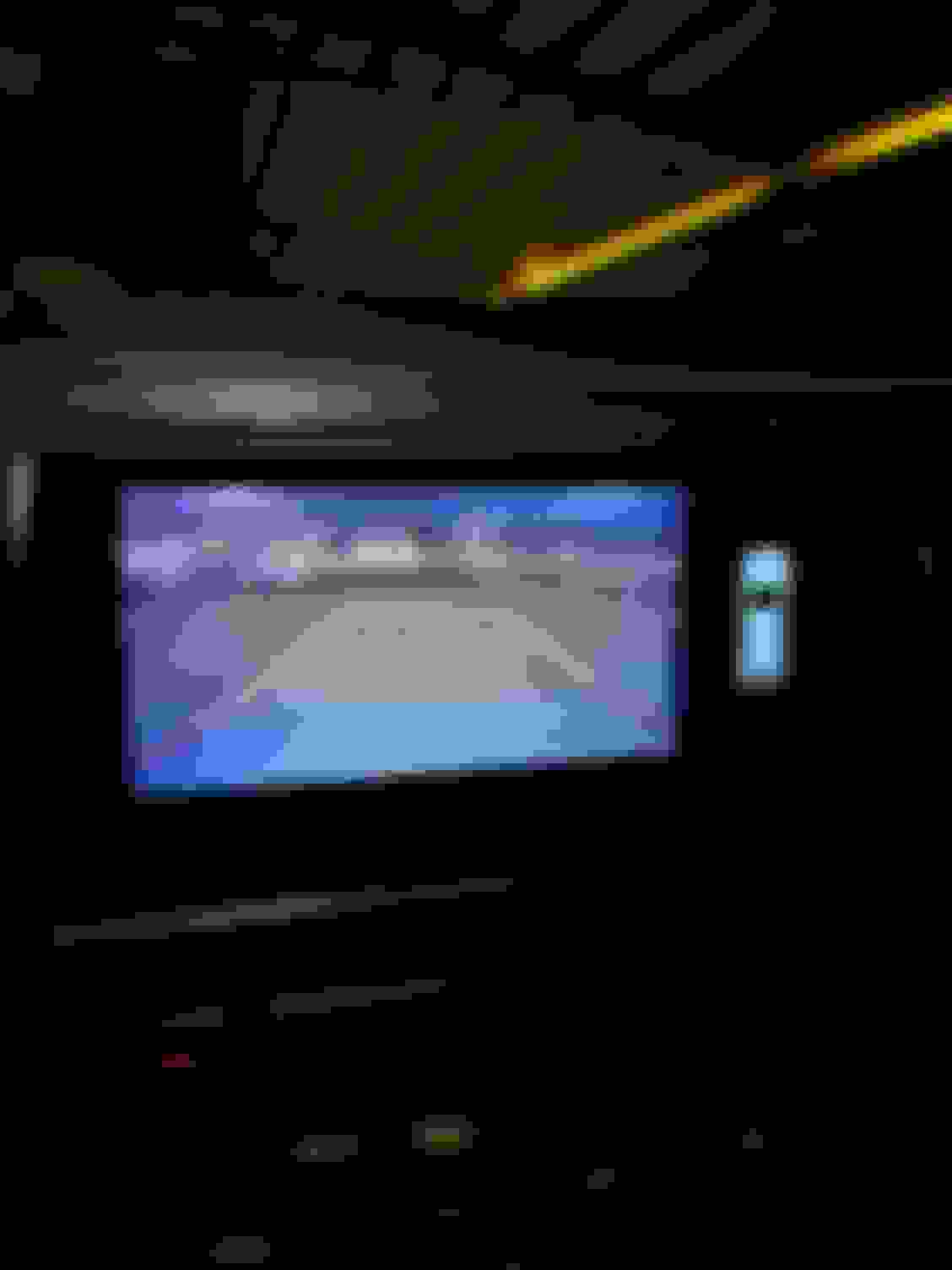
Rear camera view is just 4:3 square and its a bit small but better than nothing.
The parking lines for the rear camera are hard to adjust because the rear camera displays in full screen when adjusting the parking lines but then its just a 4:3 square when shifted in reverse.
The steering controls were an obstacle but Power Acoustik Support told me to force KENWOOD and map the buttons and that worked for me with my idatalink maestro sw
I have dog hearing and when the volume was all the way down I could hear a high pitch noise from the speakers so I plugged in my PAC noise isolators to the RCAs and now its quiet.
Also stole another forum users advice and replaced my cigarette lighter with the Scosche CPPDRLK-SP PowerVolt and its pretty sweet!
My vehicle was spec'd with the Alpine Midline system which has a factory amplifier and its likely that the gain should be turned down for the CP-71W head unit but I don't think there is a way to adjust the gain on the factory amp. I had zero noise with a Pioneer head unit so it could just be related to quality of the RCA components in the head unit. Another option would be replacing the factory amplifier but I'm not going there unless mine dies.
@gecko951 Thanks for the help! I went the same route and just bought isolators beforehand. I'll install the radio and if it hums a bit before fully setting it... I'll just plug them in! Also for the, maestro mapping... Is there anyway you could send me your mapping somehow? Or a screenshot of your configuration? Would be greatly appreciated - thanks again
My install of the Power Acoustik CP-71W head unit is complete!
Really happy to have my front/rear camera working, steering wheel controls working and CarPlay seems to work as expected.
Rear camera view is just 4:3 square and its a bit small but better than nothing.
The parking lines for the rear camera are hard to adjust because the rear camera displays in full screen when adjusting the parking lines but then its just a 4:3 square when shifted in reverse.
The steering controls were an obstacle but Power Acoustik Support told me to force KENWOOD and map the buttons and that worked for me with my idatalink maestro sw
I have dog hearing and when the volume was all the way down I could hear a high pitch noise from the speakers so I plugged in my PAC noise isolators to the RCAs and now its quiet.
Also stole another forum users advice and replaced my cigarette lighter with the Scosche CPPDRLK-SP PowerVolt and its pretty sweet!
Hey guys, just got this single din head unit from aliexpress for like 178$, its amazing, Apple CarPlay works smoothly, backup camera is good, most importantly the steering wheel controls work too, with a little expert help, there is a youtube video that explains it i will link it down below, hope you guys like it
Aliexpress link : KWD 20.34 45% Off | Srnubi Universal 6.9 inch Radio Android Player Touch Screen 1Din WiFi Carplay Car Stereo Video GPS Navigation IPS Screen DVD https://a.aliexpress.com/_mrODNwk
Good learning experience but I decided to return the Power Acoustik CP-71W. Maybe it was just my HU but I found that it was temperamental in below freezing temps, the screen would just randomly black out! So I'm back to my Pioneer marine head unit and will probably run a separate screen for backup cam so I can get a decent sized backup cam image.







 So I'm back to my Pioneer marine head unit and will probably run a separate screen for backup cam so I can get a decent sized backup cam image.
