When you click on links to various merchants on this site and make a purchase, this can result in this site earning a commission. Affiliate programs and affiliations include, but are not limited to, the eBay Partner Network.
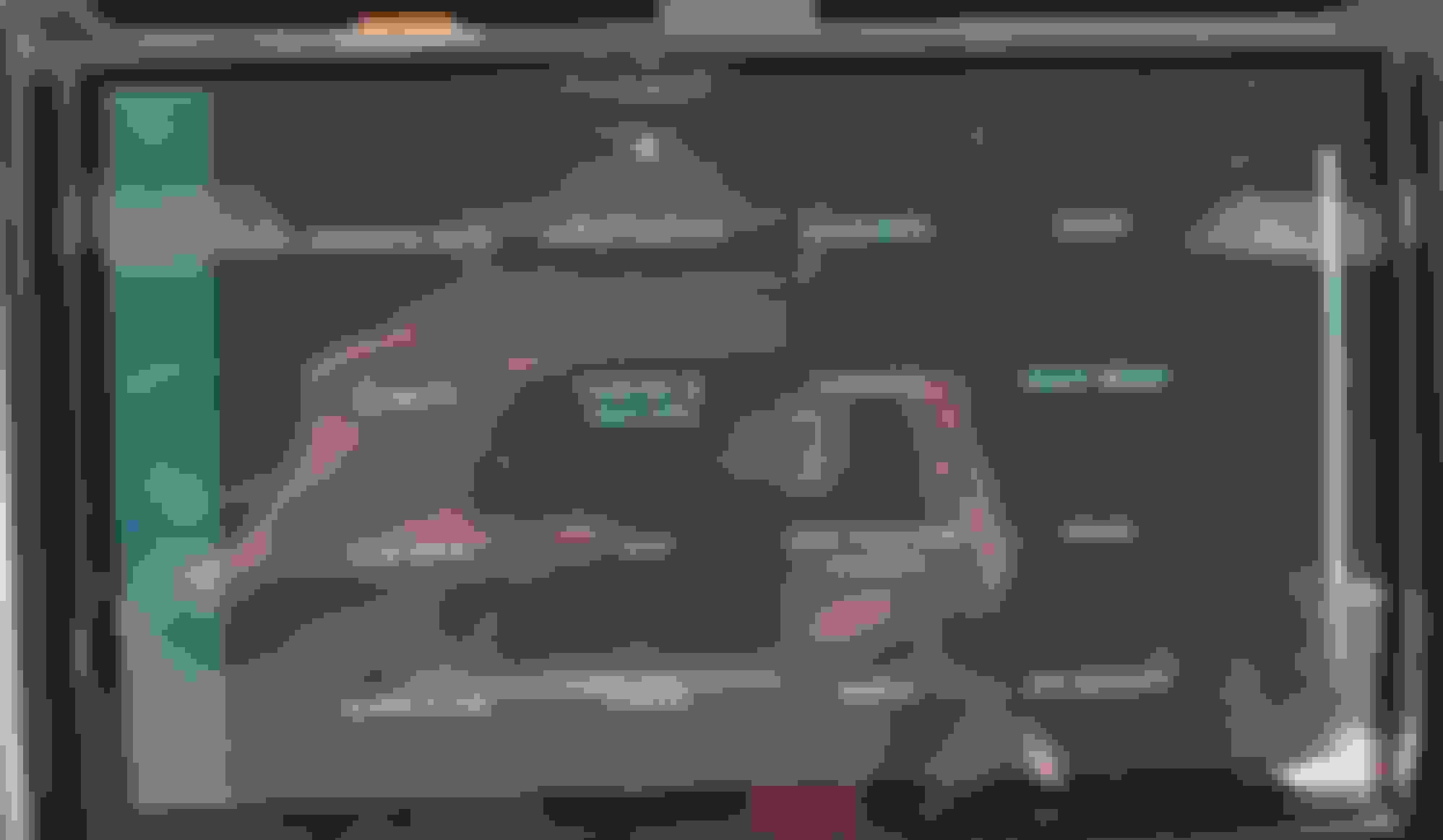
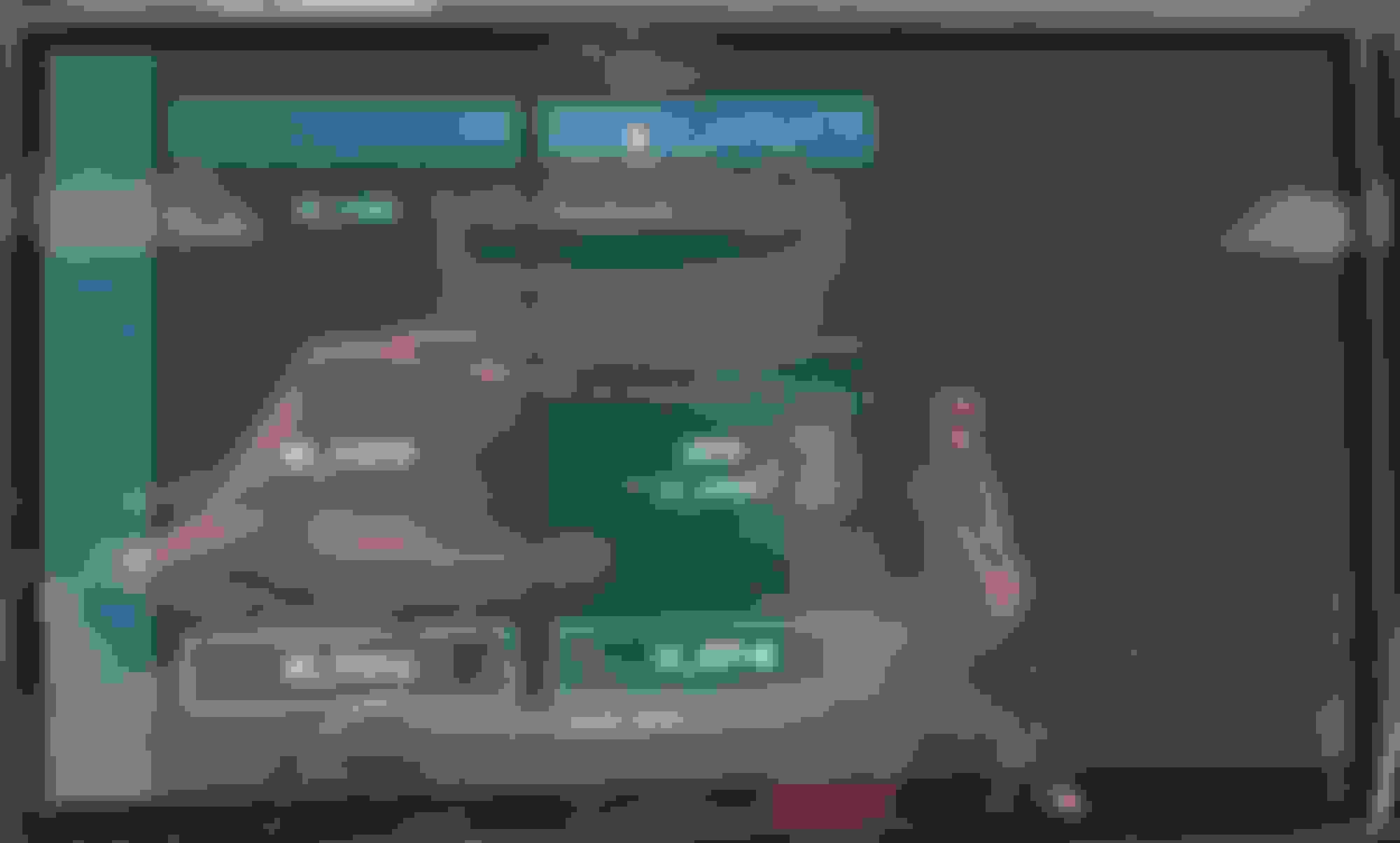
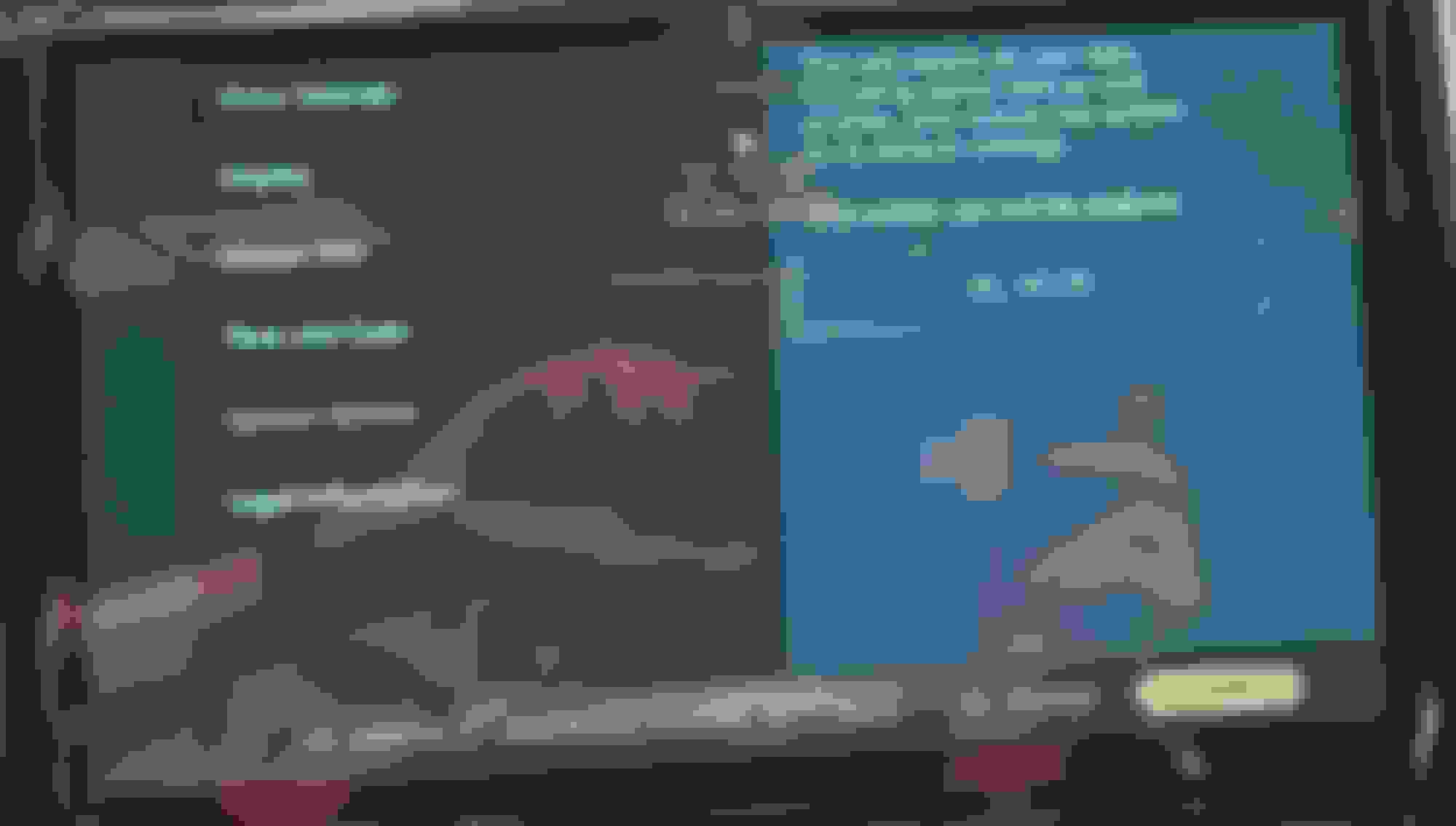
check this out. fired up the 2022 D5 the other day and this is what I saw. aren't I lucky?
I tried holding down the power/volume **** to reboot it and that didn't fix it. it also went through another software update in the last 24 hours. this one came so fast on the heels of the last one, I thought maybe it was to fix this particular problem. Nope!
anyone seen this before? it appears that the graphics database has become corrupted, or I've fallen into some diagnostic mode maybe. reminds me of some of the developer debugging modes one can use for testing on some OS'.
I'm contacting my dealer today of course and I'll also contact LR directly as I'm not sure the dealer will know what to do. There is the "System Restore" option in the Pivi Pro menu. Anyone used it? I fear all it will do will is wipe the user data and nothing else which won't help this.
i would wait to hear from the dealer. it's like the path to the app icons and some of the end user names is lost.
I sent them the pics and the service director there said they've never seen this before on LR or Jag. I have an appointment booked, but I'm hoping to hear back from LR directly first. My past experience with LR customer relations has been good when it comes to software issues and they've connected me directly with the right people in the past for a coupe issues at delivery.
It feels like an "overlay" layer in the software is either broken or disabled. Hard for me to believe it's a hardware/GPU failure of some kind as Android Auto and Apple CarPlay work fine within their view. I'm hoping there is a secret menu or sequence that will fix it, I fear the dealer will just try to brut-force it back to a clean slate.
just a follow-up. took it into the dealer today and they couldn't figure out what happened. they would have loved to, to pass it up the ladder, but they were able to do a software recovery through Pathfinder and it just worked. didn't lose any data either.
just a follow-up. took it into the dealer today and they couldn't figure out what happened. they would have loved to, to pass it up the ladder, but they were able to do a software recovery through Pathfinder and it just worked. didn't lose any data either.




 Pivi Pro loses its graphics