When you click on links to various merchants on this site and make a purchase, this can result in this site earning a commission. Affiliate programs and affiliations include, but are not limited to, the eBay Partner Network.
You need to apply the Land Rover software - I am not sure how you do that but my understanding is if it is not loaded you have to install it. Directions should be with the unit.
No information regarding LR software was included. However when I ordered my scan tool I selected Land Rover under the drop down list. Ill have to look on their website. Thanks much.
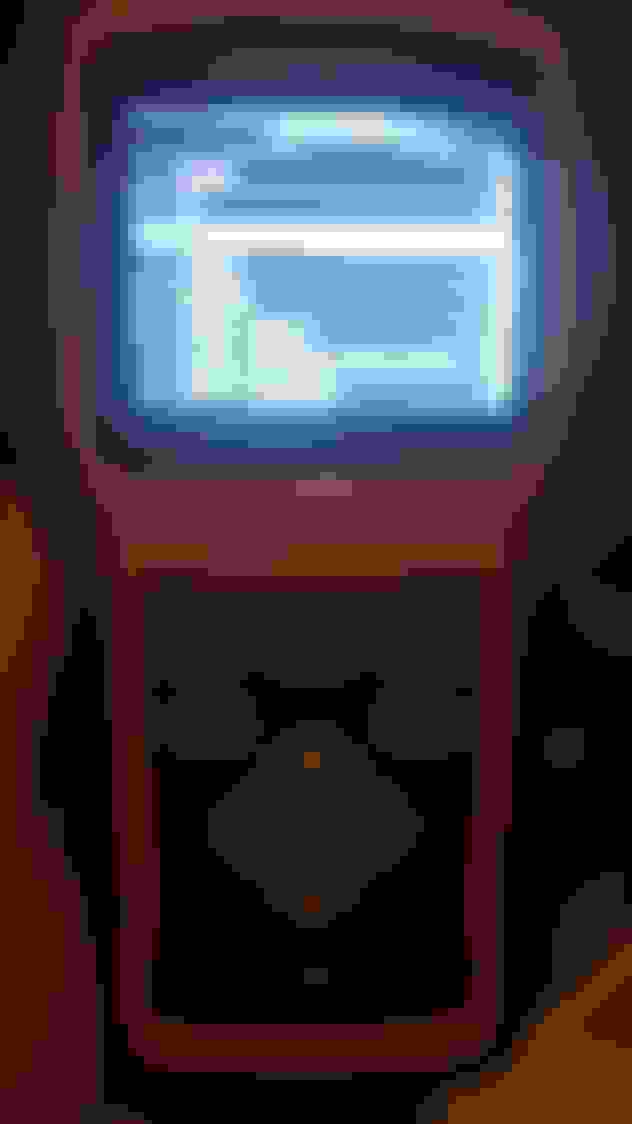
Alright so I registered the device online, made an account, downloaded the foxwell program and updated my device with the appropriate Land Rover software. Now some new options are present on the device, AND I found the ABS menu!!!! 😆😎
Foxwell is good for emailing info on software updates when you register your scanner.
I’ve got Land Rover/Jaguar & BMW/Mini/Rolls Royce on mine so I always keep my scanner updated.