When you click on links to various merchants on this site and make a purchase, this can result in this site earning a commission. Affiliate programs and affiliations include, but are not limited to, the eBay Partner Network.
Hello All,
So I just got around to this mod after completing my head gasket and cylinder work last week.
I'm trying to connect a 3-pin switch to have the AC fans come on at will without disconnecting the AC compressor.
I got under the passenger footwell to where the relay is. I got a few yellow relays under there so I found the correct one by unplugging it and seeing if the fans would come on.
So here is the relay setup:
Pin 30 = Green/Brown wire
Pin 85 = Green wire (thin)
Pin 86 = Brown wire
Pin 87 = Brown/Black wire
Are you saying I need to track down a green and white wire as in two wires?
Or am I looking for a single green wire with a white stripe?
Pin 30 = Green/Brown wire, is this the wire to connect to the 3-pin switch?
I have tried the wrong combination so I am reaching out for assistance. I have the schematic but I need to learn how to read it and translate it.
Ground Pin 85 = Green wire (thin). Your switch must ground the wire. If you use a switch that has a built in LED it will only switch power +12volts that will not work unless you wire in a separate relay that takes the positive output from your LED switch and switches ground as the Pin 85 = Green wire (thin) requires a ground to turn on the relay. Use a regular 2 prong switch easy hook up.
Icannap1,
Thanks for the response!
So my best bet is to get a 2-pin switch. Connect one switch pin to the thin green wire (pin 85). Connect remaining switch pin to a ground source (a grounded bolt under the dash).
So I was cleaning up the ride after a long Winter freeze and came across a 5 pin LED rocker switch with a cool fan icon on the switch.
How would I get this working.
I am nearly there as I have the switch turning the fan on but I cannot get the switch to properly light up.
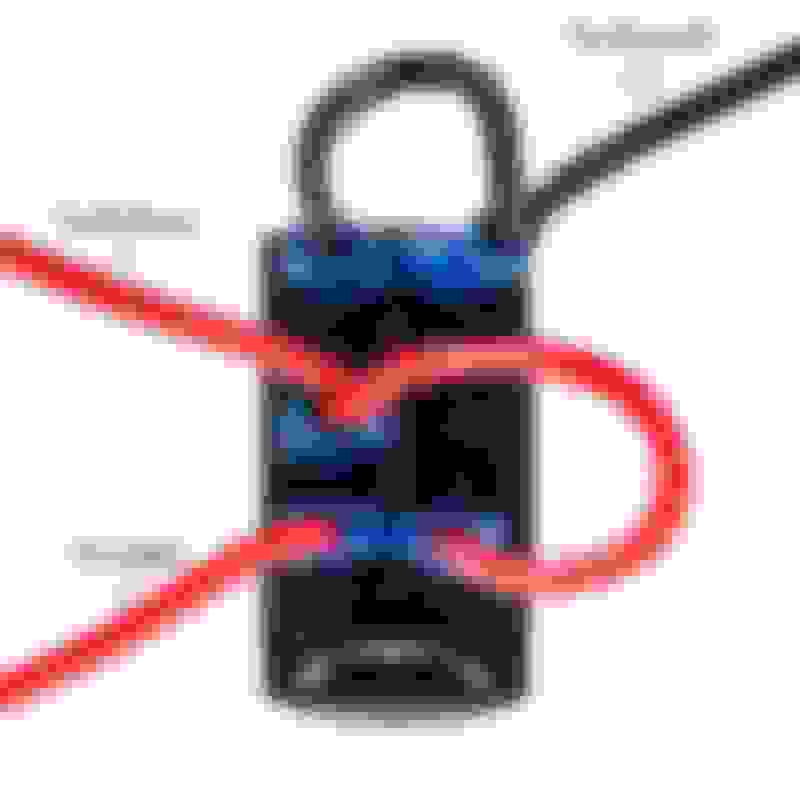
You can also connect the "To Battery" wire along with the "LED supply" wire to the cigarette lighter positive terminal for 1 - it is fused and 2 - it will turn off with the key so your battery doesn't drain if you forget to turn off your switch.