When you click on links to various merchants on this site and make a purchase, this can result in this site earning a commission. Affiliate programs and affiliations include, but are not limited to, the eBay Partner Network.
Just updated to 4.2 Never saw 4.1.5 Have no idea what comes with 4.2, there is no description after the download and installation.
I got 4.2 and it said something like “SOTA Improvements (Software Updates Over the Air)”. Might not have the exact verbiage right but you get the idea and that was the only thing listed.
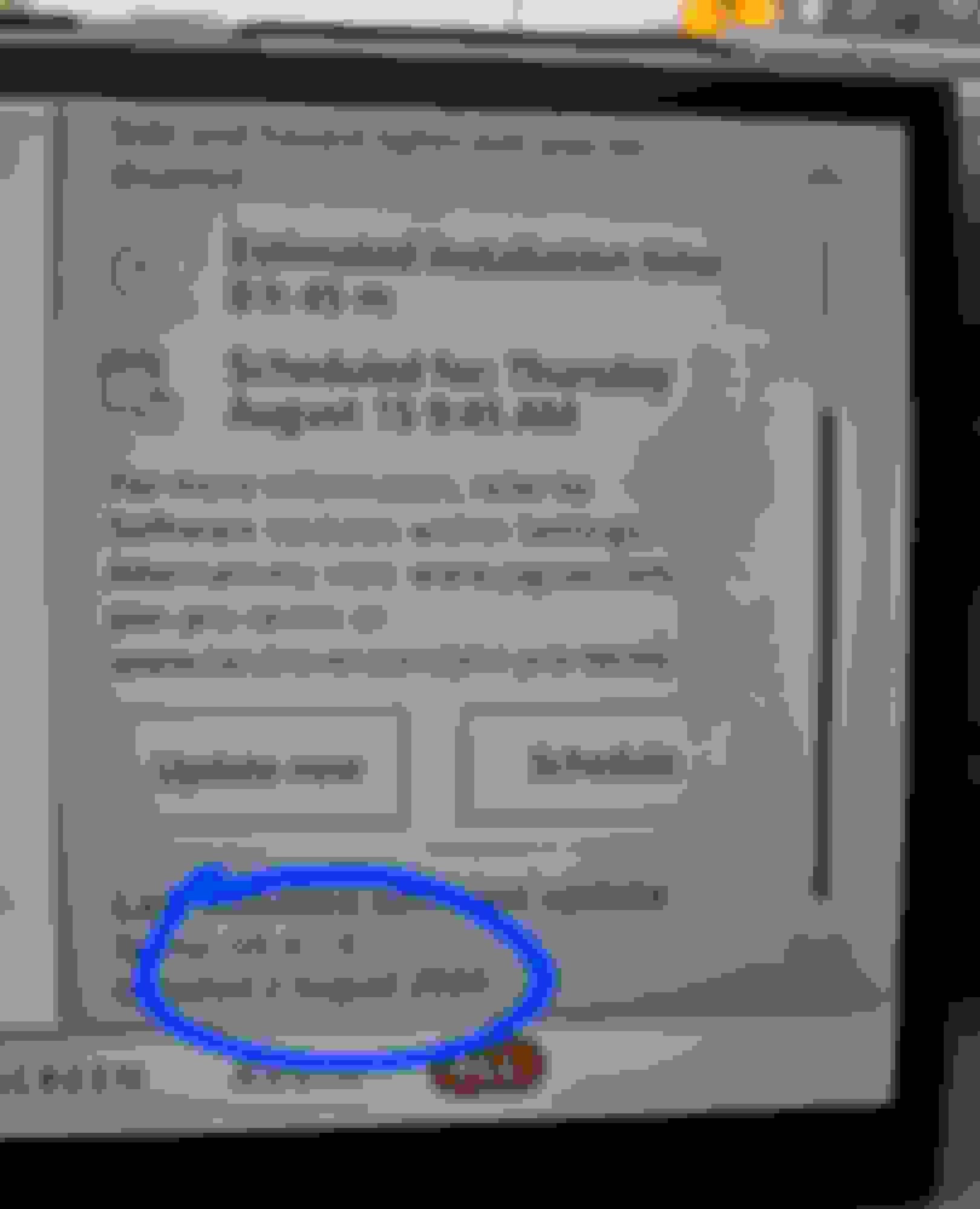
Had a message appear about a new update to 4.1.5, and that it was downloaded and would install once vehicle was locked, alarmed, with all windows rolled up but the next day when checking, it says version 4.1.4 and ‘Software is up to date’, with an install date of June 24, 2024. Now I have to figure out why it didn’t load. Never had issues with previous OTA updates. Anyone else get bumped up to 4.1.5?
I have this exact same problem on our 2023. Downloaded 4.1.5 but will not install despite 5 attempts. It's certainly not a low battery issue as I tried once after coming home from a 400 mile drive. And the battery is only 18 months old.
The vehicle was at the dealer getting the cameras recalibrated after another new windshield was installed. The service tech spent a day trying to get the 4.1.5 update to install and gave up as well. They said to wait for the next update to arrive which may overwrite the one that is stuck on "downloaded but not installed".
I just downloaded and installed 4.2. I'm pretty sure it is a correction for the 4.1.5 version that would download but not install.
I had the 4.1.5 version since June. On the other hand, it took more than a half dozen tries to get 4.2 to load, it would download but not install over and over. There is a description for 4.2, you just can't see it with the vehicle moving. It's in a an earlier post.
How can you tell what version you're on? I can't seem to find the information on the screens.
My software update screen shows that the software is up to date, but doesn't show me a version.
I have found that when I first start the vehicle and scroll through the PIVI menus, settling on the ‘Software Update’ screen it usually just says something like, ’Software is up to date’, but if I leave that screen up for a bit it will eventually revert to a screen that shows the current version and the date it was last installed. Just leave that menu screen up for awhile and hopefully it will display the current version.
I have found that when I first start the vehicle and scroll through the PIVI menus, settling on the ‘Software Update’ screen it usually just says something like, ’Software is up to date’, but if I leave that screen up for a bit it will eventually revert to a screen that shows the current version and the date it was last installed. Just leave that menu screen up for awhile and hopefully it will display the current version.
I received an update msg this morning on my '22 P400. Couple of things to note:
1) it just says "4.1.0.____ what update is this?
2) My Pivi had been stuck on a old version since Feb 2023. Then somebody backed into my front passenger-side fender and bumper area. Front bumper and fender were replaced at a local body shop. (Another interesting experience.) The body shop had to "recalibrate" the sofware for the various sensors (cruise control, parking, lane drift, etc) in the front bumper. The day i picked the truck up Pivi updated. Then it updated a week later. Now, this is update #3 in the 3 weeks since picking up from body shop. Its as if they rattled something loose that was restricting updates for 1.5 years.