When you click on links to various merchants on this site and make a purchase, this can result in this site earning a commission. Affiliate programs and affiliations include, but are not limited to, the eBay Partner Network.
Had a 5+ hour road-trip - not sure if that's why it downloaded or not as I don't connect to my home wifi. I expect it will start appearing in more Defenders soon as I was late to get the last update pushed. Can confirm that Waze doesn't work. Mine defaults to Apple Maps when I select Apple CarPlay (don't have Android/Alexa setup). Turn-by-turn did not show up on HUD like it does for standard navigation.
I do not have a HUD, so it is all happiness to me. The specific reason I did not care for HUD was because of the digital display. The info, map, etc is all just a couple inches below your line of sight. So not worth the extra cost to me. However I was frustrated that carplay would not transfer to the IDD, so kept using the native LR nav to avoid veering too much my sight to the right to see the nav . With this change now, I suspect HUD will be even less meaningful since people will use the IDD with carplay and not really pay attention to the HUD, except maybe for speed info.
100% like the HUD because it shows speed. In fact anything else is often a distraction. It would be convenient for turns, but I'll admit - even the Speed is like a .5% improvement. It's minor, I know.
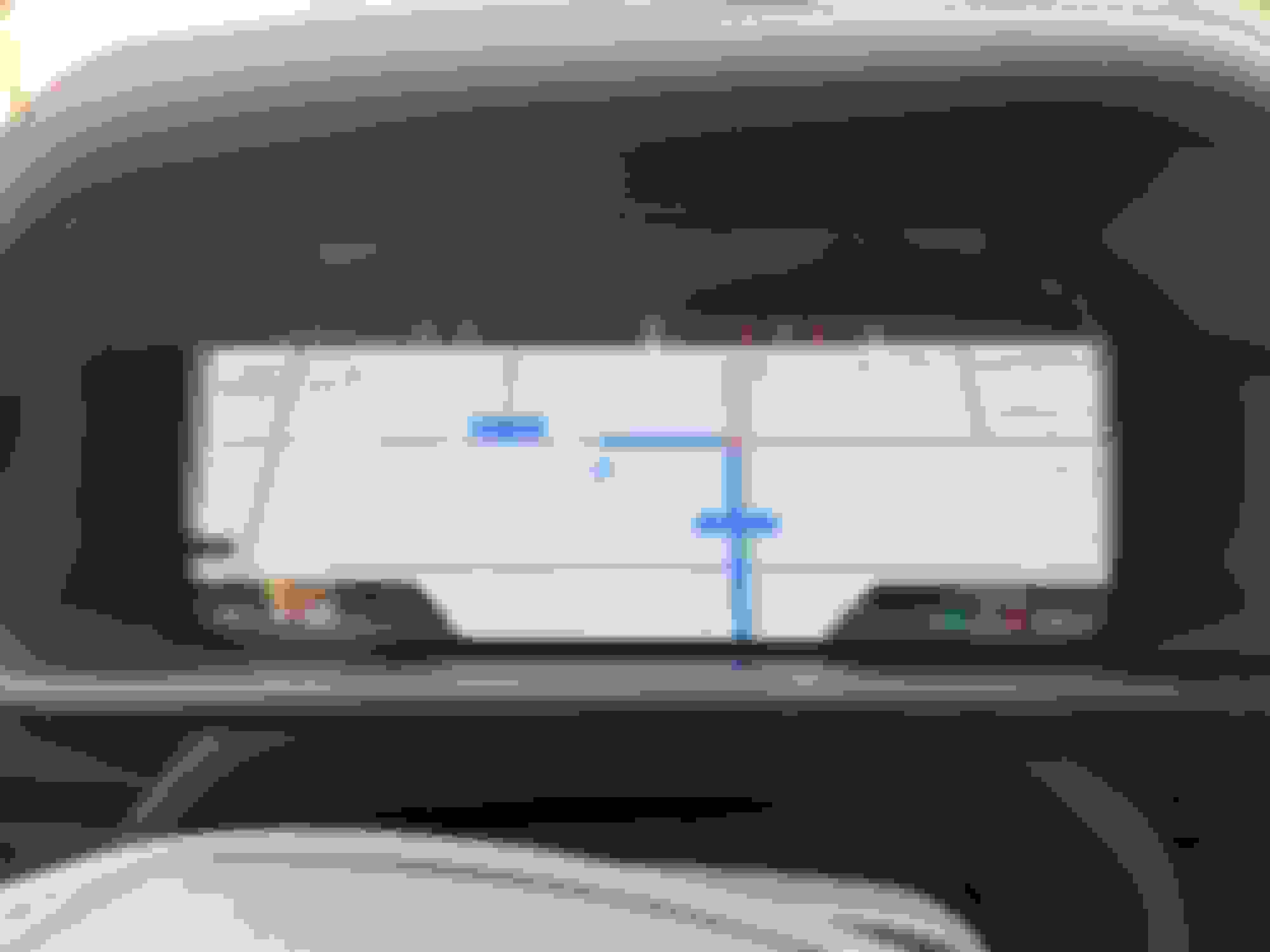
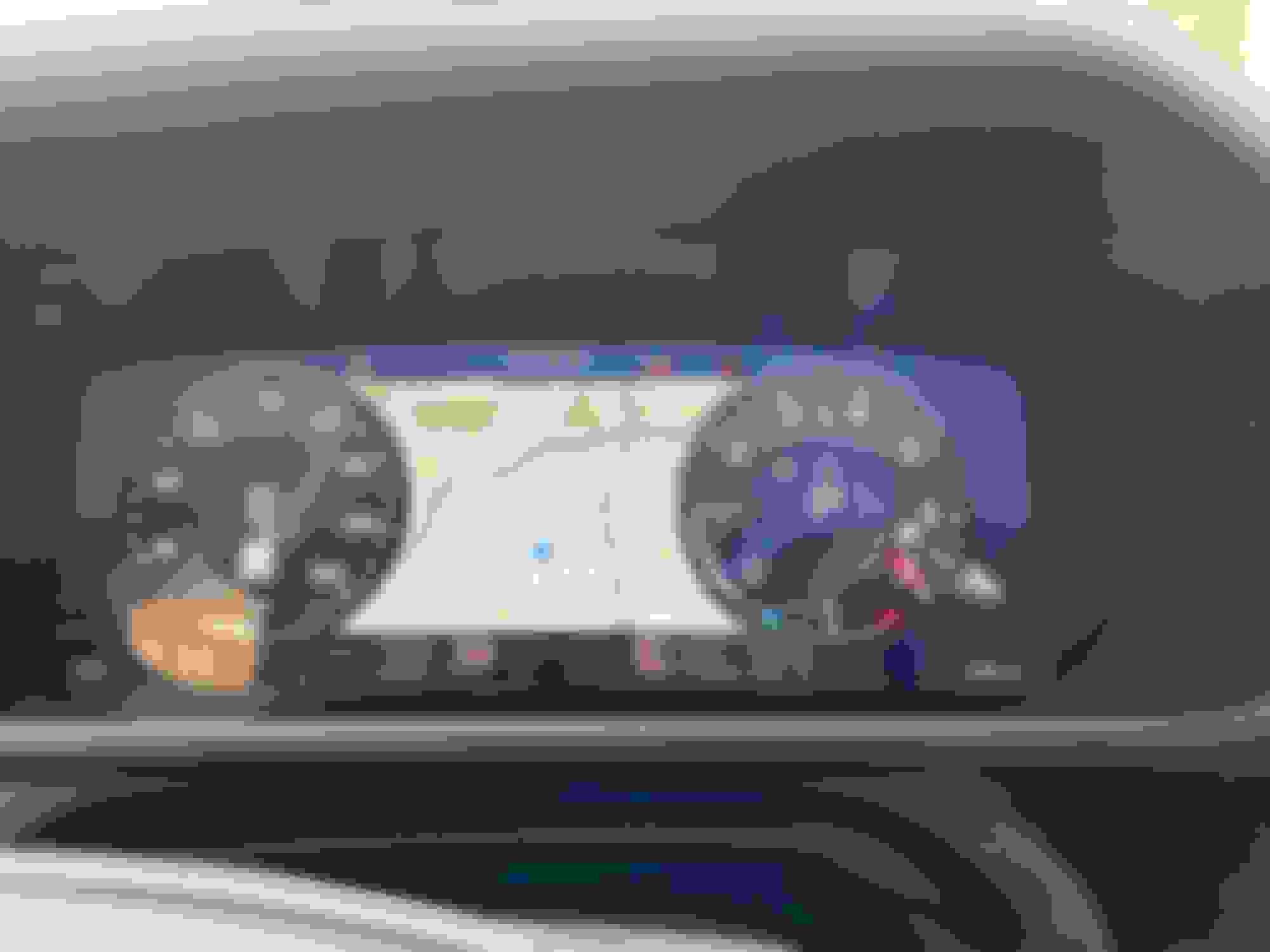
Stoked on this update! Was just on a road trip with my dad and we were talking about how awesome it would be to have maps on the driver display. Mine is really zoomed out though not sure if that's normal or if you can change that yet?
Stoked on this update! Was just on a road trip with my dad and we were talking about how awesome it would be to have maps on the driver display. Mine is really zoomed out though not sure if that's normal or if you can change that yet?
... And in my opinion the Android Auto integration at least needs more work before it becomes usable. The map showing in the instrument cluster uses tiny fonts that are very hard to read, doesn't zoom in at all, and can't be customized or adjusted. It's just a very basic / ugly map. It looks nothing like the beautiful Google maps and turn prompts displayed on the center touchscreen of Android Auto - disappointing. No HUD integration, but if the maps showing below were readable it would not be a big deal.
It's a step in the right direction for sure, but they will need to address these limitations in future releases to make this new integration useful.




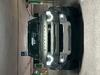

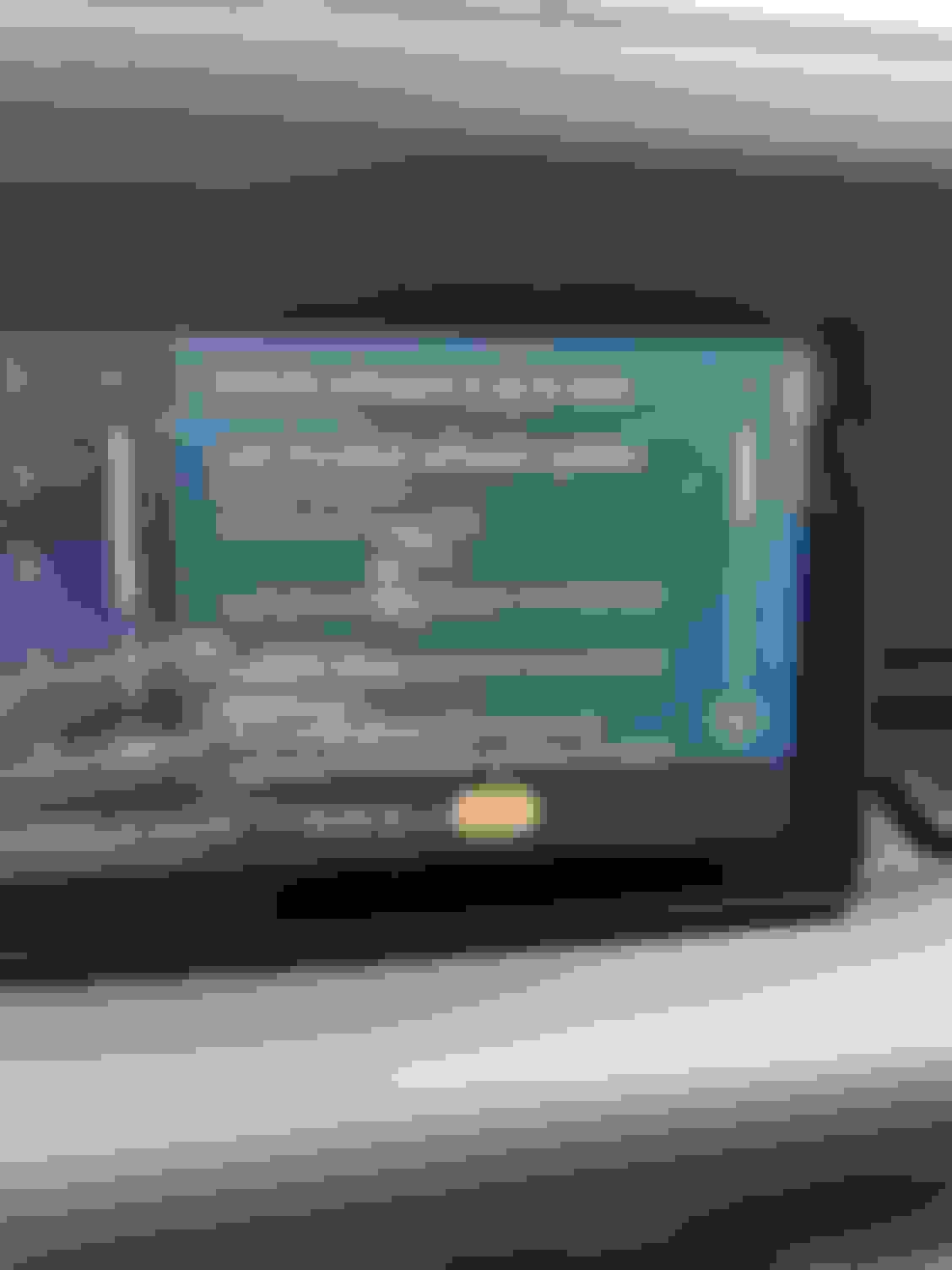


 The specific reason I did not care for HUD was because of the digital display. The info, map, etc is all just a couple inches below your line of sight. So not worth the extra cost to me. However I was frustrated that carplay would not transfer to the IDD, so kept using the native LR nav to avoid veering too much my sight to the right to see the nav . With this change now, I suspect HUD will be even less meaningful since people will use the IDD with carplay and not really pay attention to the HUD, except maybe for speed info.